
Email lists
Group email addresses and reuse the list across access policies.
Email lists belong to your account. A policy references a list by its ID, so changes to that list apply everywhere it is used.
List setup
- Open Zero Trust > Lists.
- Select Create email list.
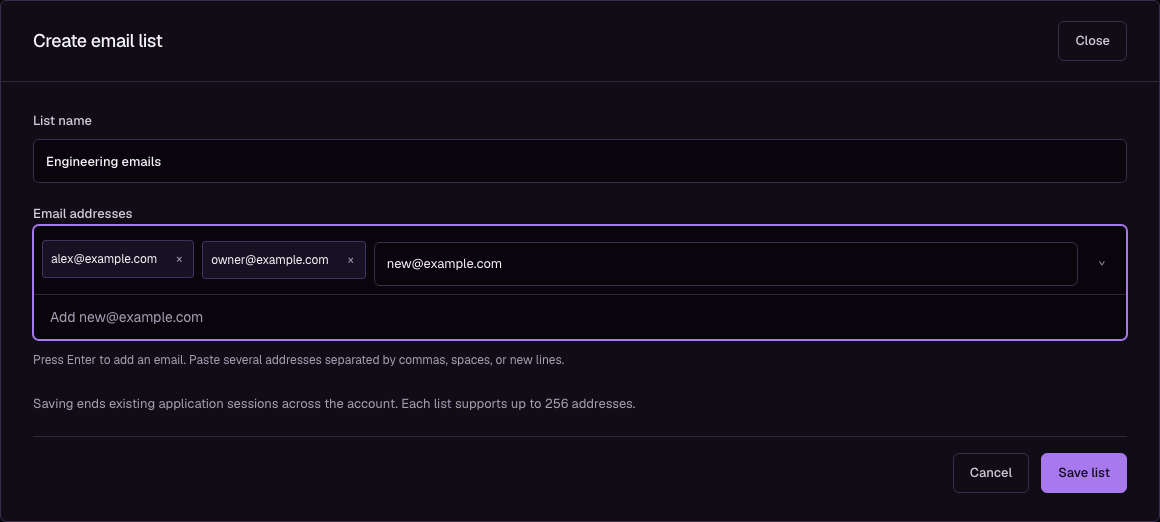
- Enter List name.
- Enter an address under Email addresses.
- Press Enter or select the address from the dropdown to create an email chip.
- Paste additional addresses separated by commas, semicolons, spaces, or new lines.
- Select Save list.
Use the × button on a chip to remove its address. Empty-input Backspace removes the last chip. Addresses are converted to lowercase, and duplicates are collapsed. Invalid addresses remain in the input with an error; correct or remove them before saving.
Policy assignments
- Open Zero Trust > Policies.
- Create or edit a policy.
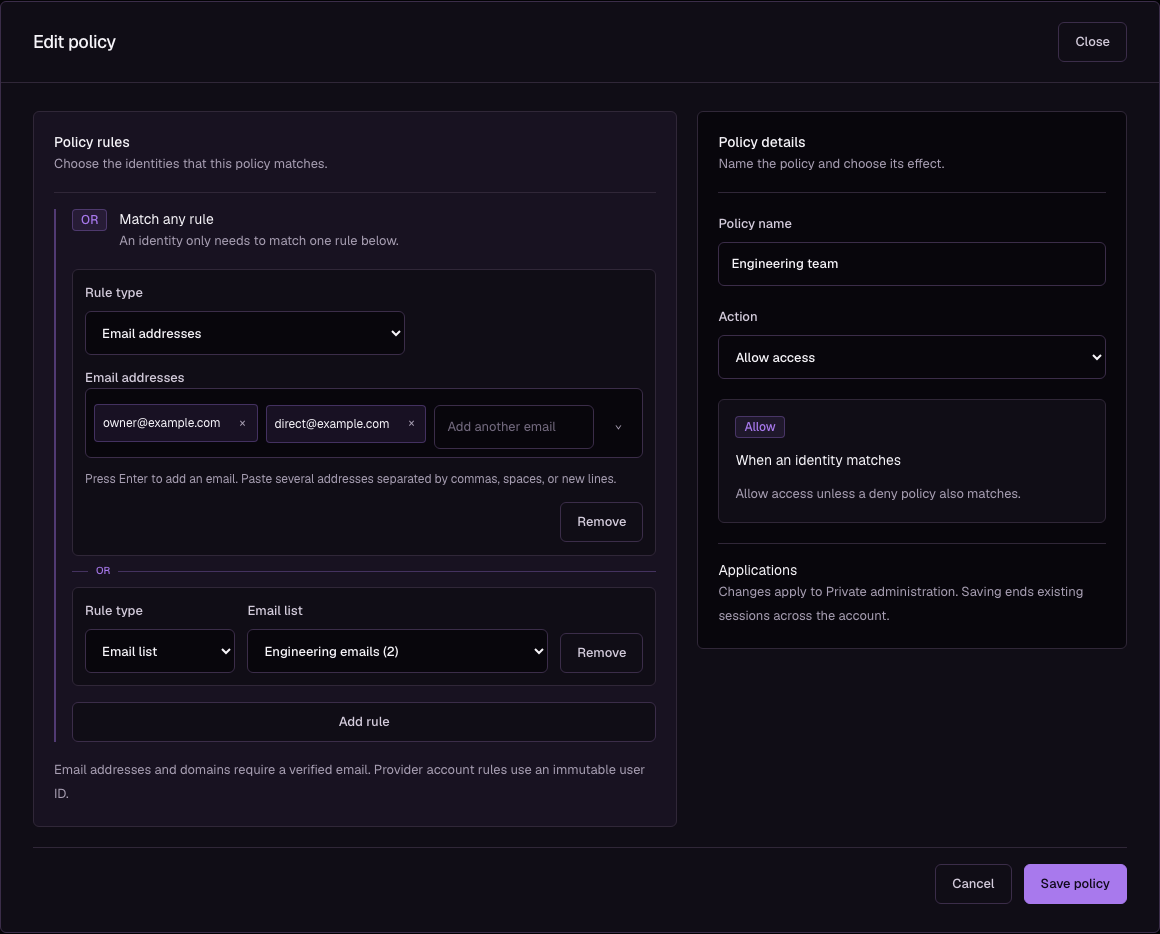
- Select Add rule.
- Choose Email list under Rule type.
- Select the list under Email list.
- Select Save policy.
The rule matches any verified email address in the list. It follows the policy's allow or deny action and its OR grouping. You can also select lists when editing a policy inside an application. In that workflow, finish with Save application to save policy changes.
Shared changes and deletion
Lists shows each list's address count and how many policies use it. Select Edit to change membership. Review the named policies before saving: applications using those policies receive the new membership, and account application sessions end as the update takes effect.
Delete is unavailable while a policy references the list, even if that policy is not assigned to an application. Remove the Email list rule from every referencing policy and save those policies first. Deleting a policy preserves its lists.
Limits
An account supports 256 email lists, each with up to 256 distinct addresses. A policy supports 256 selectors after its lists are expanded. Repeated email addresses across direct rules and lists count once; email domain and provider account selectors count separately.
A save that exceeds a limit or references a missing list is rejected without changing the saved configuration. A list cannot be emptied if this would leave a policy without any identity selectors. See Access policies for decision rules.